




- Rockstar's notes for GTA 6 update 01.002.002, released November 23, list seven fixes and no change to graphics, resolution or frame rate.
- PS5 and PS5 Pro players report blurrier distant detail, more pop-in, flatter light and hazy reflections after rain. No before-and-after technical test has been published.
- The same patch fixed weather that stayed stuck for long stretches, so many launch-week screenshots were taken under clear skies and aren't a fair baseline.
Rockstar’s notes for GTA 6 update 01.002.002 list seven fixes, and none of them touches graphics. Some PS5 owners still say the game looks worse since November 23. Nobody has proven it, and the patch’s weather fix muddies every comparison.
What happened after the first GTA 6 patch?
GTA 6 launched on PS5 and Xbox Series X|S on November 19. Four days later Rockstar pushed its first patch, about 600 MB on PS5 and 1.6 GB on Xbox, according to Digital Foundry and TechPowerUp. I read the notes on Rockstar’s support page line by line. Crashes. Autosave. Story phone calls that never rang, a Wanted Level you couldn’t lose, the gym’s deadlift bar, partners who wouldn’t hand over bags for the fence. And one more: “Fixed an issue that resulted in the weather not changing for extended periods.” There’s nothing about resolution, draw distance, ray tracing or frame rate.
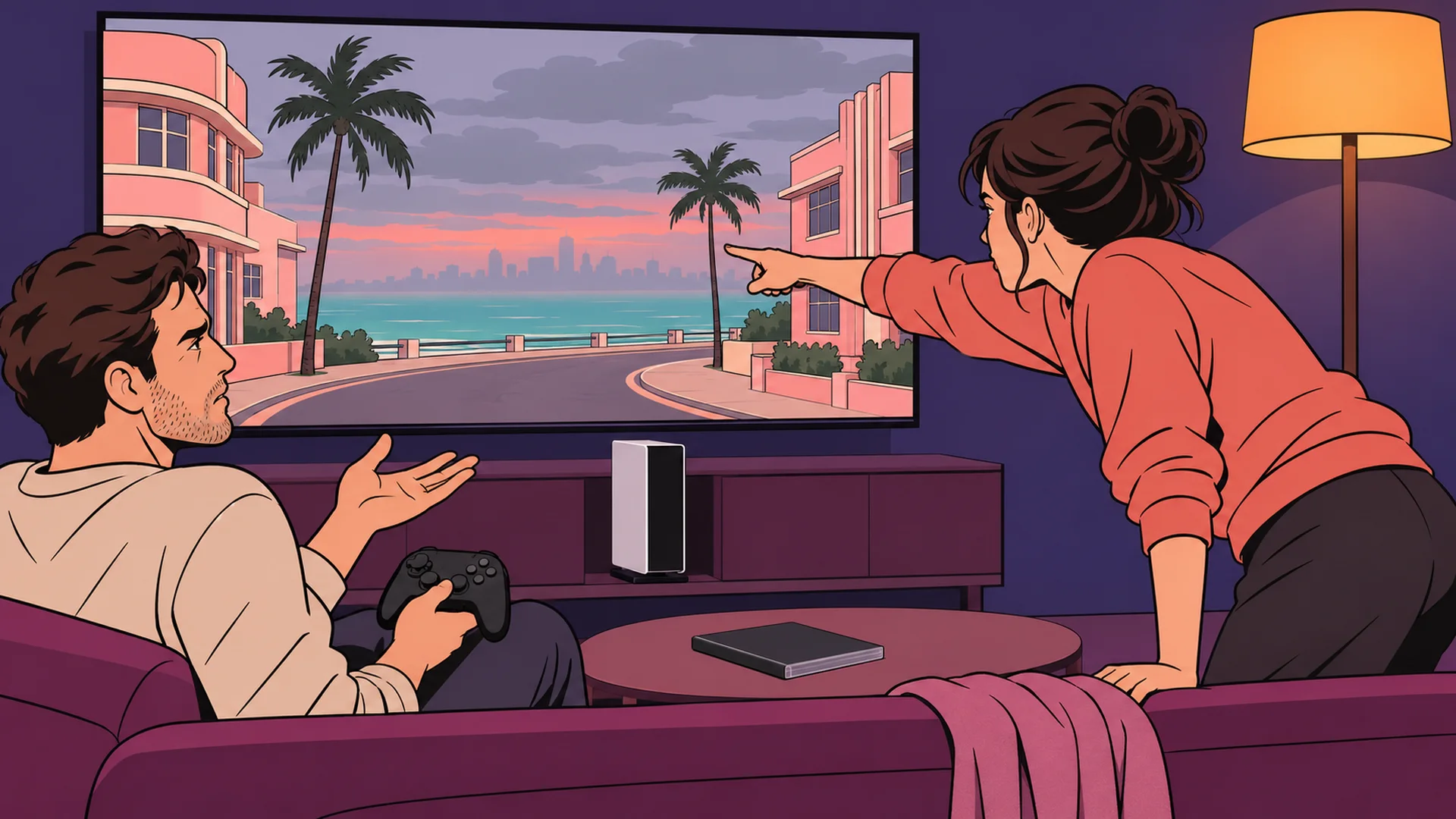
By November 28 the complaints had reached Notebookcheck, TweakTown and Sportskeeda. Players on Reddit, PS5 Pro owners among them, describe blurrier buildings in the distance, more pop-in, flatter lighting, lower-detail clouds and sunsets, hazy reflections after rain, and softer hair and faces. One player says Rockstar Support told them to clear the cache, Notebookcheck reports. Rockstar hasn’t commented in public.
What’s confirmed and what isn’t?
Confirmed: the patch exists, its notes list no visual change, and plenty of players are unhappy. Not confirmed: that anything was turned down. TweakTown points out that nobody has published a before-and-after technical test, and that some PS5 players can’t see a difference at all. Digital Foundry is the outlet most likely to run one. Its November 24 console comparison says the first patch “has proven much more mundane” than the upgrades it wants, such as variable refresh rate on PlayStation. It doesn’t test for a downgrade.
Patch notes don’t always list every change. Rockstar could have adjusted settings quietly. That’s possible. It isn’t shown. We saw the same pattern with NVIDIA’s 621.40 driver: a wave of user reports after an update whose changelog didn’t explain them.
Did the weather fix change what players see?
Before the patch, GTA 6’s weather got stuck for long stretches, and players were “surprised at the lack of rain,” TechPowerUp wrote on November 23. Digital Foundry summed up the same patch as “making weather effects more commonplace.” So the launch-week screenshots people now hold up as the baseline were mostly taken under clear skies.
More Read
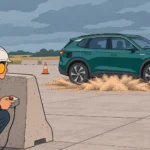
Now read the complaint list again. Hazy reflections after rain. Clouds. Sunsets. Flat light. All of that changes with weather and time of day. A street after a storm, under low cloud, looks softer than the same street at noon in launch week. That doesn’t explain everything, though. Pop-in, draw distance and hair detail don’t depend on rain. That split is my reading of the two sets of facts, not something Rockstar has said.
Who is affected?
PS5 and PS5 Pro owners, going by the reports so far. TweakTown says it hasn’t seen widespread complaints from Xbox players, even though Rockstar’s notes cover Microsoft’s consoles too. Base PS5 owners should know their starting point. In its GTA 6 tech review, Digital Foundry already called the base PS5 picture “a noticeably softer 1440p image” that “struggles to resolve fine, distant details” next to the PS5 Pro. Every console targets 30fps either way.
What to do if GTA 6 looks worse on your PS5
- Check your version. Highlight GTA VI, press the Options button and select Check for Update, as PlayStation’s support page describes.
- Compare like with like. Same spot, same in-game hour, same weather. A sunny launch screenshot against a rainy evening proves nothing.
- Clear the system cache. Hold the power button for three seconds to turn the PS5 off. Hold it again and release after the second beep to start Safe Mode. Connect the controller by USB, press the PS button and choose Clear System Software Cache. Rebuild Database is the next option on the same menu. Some players on Reddit say the pair cleared their blur. That’s their word, not a test.
- Report it with matched screenshots through Rockstar’s support request form. Put the old and new shots side by side.
Why it matters
The game you bought isn’t finished at checkout. What sits on your PS5 is a license, not a copy you control, and each update rewrites it. The same terms decide which games keep working when a studio closes. That’s why a quiet visual change would matter. It’s also why the claim needs proof.
Right now, the downgrade is a claim. The weather change is documented. Test fairly before you blame the patch.