

- Winhanced 1.0 leaves beta on November 30, and the in-game overlay, colour themes and Discord Server Browser become free.
- Early Access is now a one-time $39 code for up to three devices, with new features 1 to 2 months before the free app.
- Turn Device Control off before uninstalling, because Winhanced is what restores the handheld maker's own app.
Winhanced 1.0 leaves beta on Monday, November 30, and its in-game overlay becomes free for everyone. Paying now means a one-time $39 Early Access code for up to three of your devices, which works out to $13 a device.
What changes when Winhanced 1.0 ships?
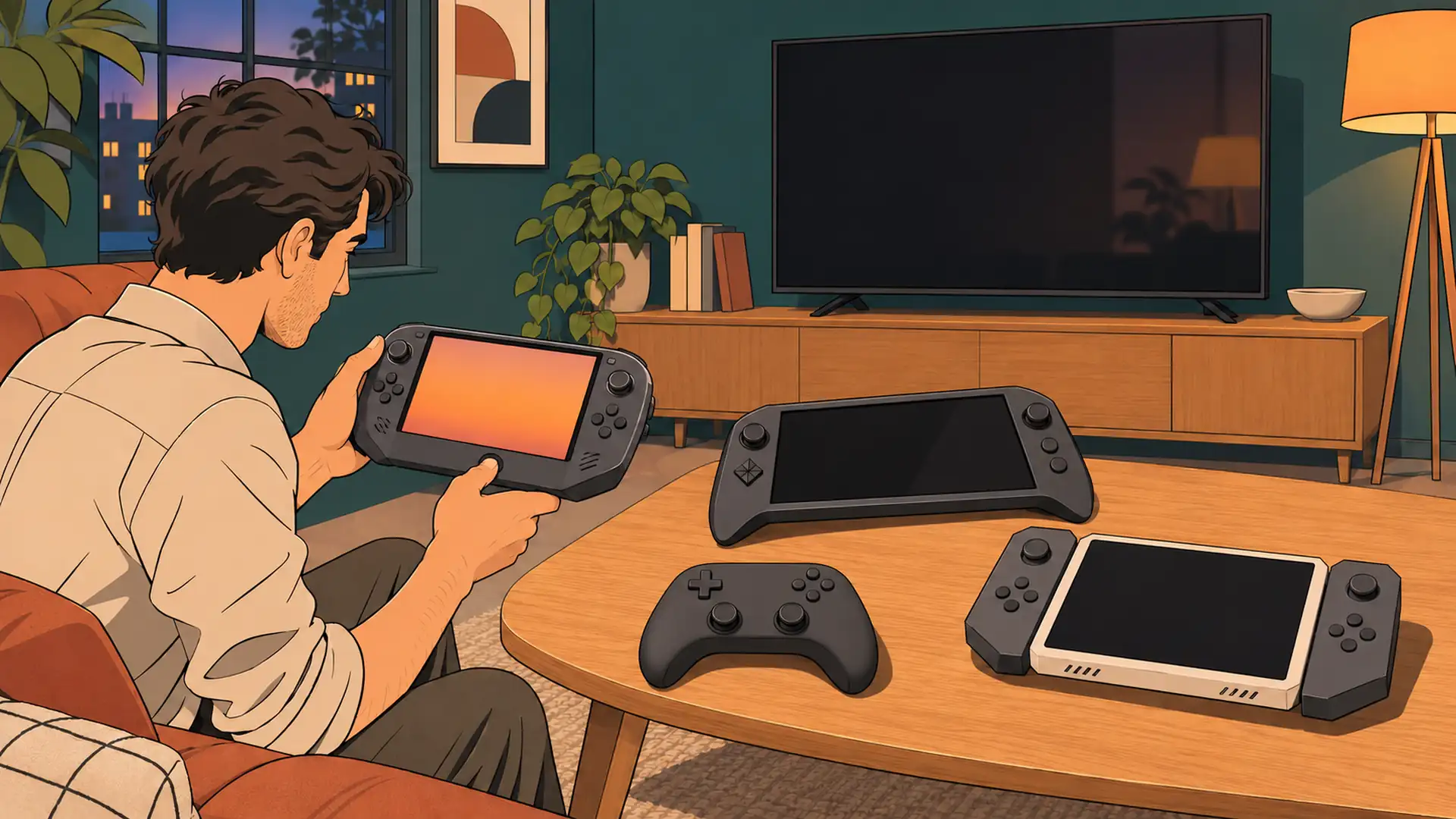
Winhanced is a controller-first gaming mode that runs on top of Windows 11. It pulls games from Steam, Xbox, Epic, GOG, Battle.net and other stores into one library, and on supported handhelds it takes over power, fans, lighting and buttons. The team announced the 1.0 date on November 27, a month after the beta started. Beta users don’t need to do anything: Winhanced says the app updates itself.
Three things that sat behind Early Access during the beta become free at 1.0: the overlay, every colour theme and the Discord Server Browser. The overlay is the big one. Press the Guide button in a game and you get power, frame rate and fan controls, performance stats, music from Spotify, Apple Music or YouTube Music, game guides, recording with trimming, Discord voice chat and a browser. It isn’t on by default. Go to Settings > General and set “Guide button opens” to “Winhanced overlay”.
Free users also get Amazon Games installs without the Amazon app, xCloud and GeForce NOW as regular libraries, and support for the Acer Predator Atlas 8 and GPD handhelds. If your library is spread across five launchers, read what the Steam and Xbox terms say you actually own before you put one app in front of all of them.
What does the $39 Early Access buy?
Time, mostly. I read the plan ladder on the download page, and no paid tier unlocks a feature the free app never gets. You pay to get the same features sooner. Early Access gets each new feature the day it ships, and the free version gets it 1 to 2 months later. Right now that covers three things: remapping other controllers such as a DualSense, Switch 2 Pro or Xbox Elite Series 2, Community profiles with other players’ settings for your handheld, and three new Home layouts called Blades, Shards and JoyStation. Pairing a controller stays free.
Run the numbers and the ladder is short. $39 covers three devices at $13 each. The same $39 pays for about 4.9 months of the Experimental tier, so five months of that subscription ($39.95) already cost more than the code. If all you want is early features, buy the code. Supporter at $99 only makes sense if you own four or more machines or want your name in the credits.
More Read

How is this different from what Winhanced said in October?
The prices haven’t moved. When developer Floop first laid out the plans on October 28, PC Guide and MIXED both reported the same $39, $99 and $7.99 figures. The wording on the wait did change. In October, Early Access features were described as arriving around one patch before everyone else. The November terms put it at 1 to 2 months.
The other change is how you pay. During the beta, Early Access came with a Patreon or Discord subscription. From November 30, it’s a single purchase on winhanced.com, refundable in full within 30 days. You enter the code under Settings > Integrations > Early Access. People already supporting on Patreon or through a Discord Server Subscription keep Experimental builds without signing up again.
Will Winhanced run on your handheld?
It needs Windows 11 build 22000 or newer on a 64-bit Intel or AMD machine, according to the Winhanced FAQ. Windows 10 and ARM64 aren’t supported. The library, overlay, recording and PC streaming work on any Windows 11 PC. Full hardware control is listed for the ROG Ally, MSI Claw and Acer Predator Atlas 8, and most of it for the Legion Go family. A Steam Deck running Windows gets power settings only.
Read the Device Control setting before you switch it on. When it’s enabled, Winhanced closes the maker’s app and its services, such as Armoury Crate or Legion Space, so the two don’t fight over the hardware. Turn Device Control off before you uninstall Winhanced, because Winhanced is what puts the maker’s software back. On supported handhelds it also handles driver updates, which matters when a release goes wrong, as the black-screen reports after NVIDIA’s 621.40 driver showed this week.
Get the installer from winhanced.com/support and nowhere else. Fake download ads for gaming tools are an active malware route on Windows, as the Wallpaper Engine lookalikes spreading SYS010 showed. If you want a second check on the file, the built-in scanner is a reasonable first stop, and we went through a year of lab tests on Windows Defender to see how far it goes.